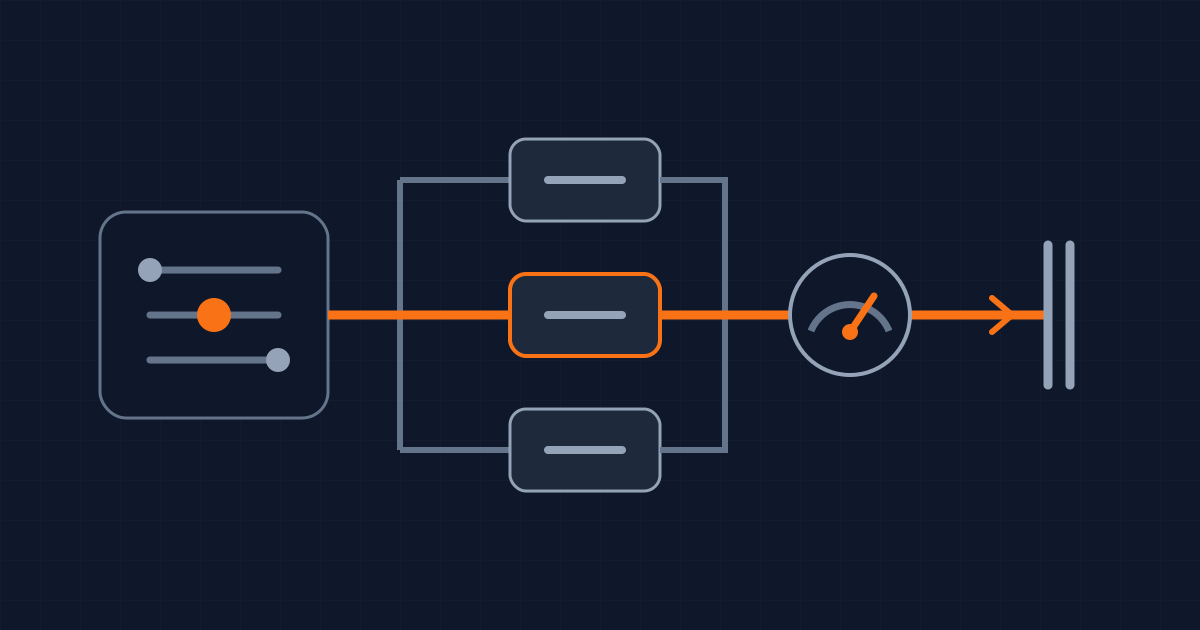
Copilot gives developers a new way to influence the cost of an answer, while leaving the spending limit to their team. GitHub's September 14, 2026 release adds Efficiency, Balance and Intelligence settings to Auto model selection. All three draw from the same available models, and the selected model still determines the usage charge.
For a founder or CTO, the useful question is what work each setting gets finished for the money. A preference in a model picker cannot answer that. You need to connect the choice to a completed task, the bill and the time spent checking the result.
We reviewed the release and the current documentation on September 16, 2026. This is an explanation of the controls and a proposed evaluation method. We have not measured savings from these settings on client projects.
Follow the request to the bill
GitHub's Auto documentation describes routing that considers task complexity and service availability. Efficiency favors cost, Balance weighs cost, quality and response time, and Intelligence favors quality. A simple request can still reach a smaller model under Intelligence. The setting changes the preference used to choose; it does not reserve a particular model.
Think about a request to fix a checkout bug. The first response might only identify a missing check. The useful outcome is a patch that handles the failing case without breaking valid purchases. Your evaluation therefore needs to follow the work beyond that first response. Include clarification, failed attempts, tests and review before calling the task complete.
The pricing reference ties charges to the model and the input, output and cached tokens consumed. That gives you a practical way to investigate an expensive task: separate the model's rates from the amount of work sent through it. A lower rate alone does not establish a lower total cost if completing the job takes more attempts.
That last point is an accounting consequence, not a claim that Efficiency causes more retries. Neither the release nor our review establishes which setting wins on your repository.
Put the spending rule in the billing controls
Before changing a team default, ask the person who owns billing what happens when the included allowance runs out. GitHub's organization billing documentation says Business and Enterprise credits are pooled at the billing entity. Additional paid usage is enabled by default unless an administrator disables it. A user budget can halt that user's access even while the shared pool has capacity.
Write down the decision in operational terms: who can consume the shared allowance, who can approve extra spending, and what work should stop when a limit is reached. Make the owner explicit. Otherwise a developer may reasonably assume the low cost setting is the cost policy, while the billing administrator assumes someone else is watching consumption.
Use the same discipline you use for cloud infrastructure. A setting that tries to use resources efficiently is useful. The spending policy still needs an owner, a limit and a response when that limit is reached. Check those separately before asking the team to experiment.
Keep model access separate from task preference
There is also an access decision. GitHub's model access guide lets organization and enterprise owners enable or disable models for their members. Available choices also depend on the plan and client.
For your evaluation, record the allowed model set alongside the chosen setting. Otherwise a comparison between teams may really be a comparison between different access policies. A developer using a restricted account and another using a personal subscription are not necessarily testing the same choices.
Keep the approval question concrete: which models may receive this repository's context? Resolve it before measuring speed or cost. An attractive result on an unapproved configuration is not a result you can adopt. The person who owns that decision should be able to inspect the settings without having to reconstruct them from a chat transcript.
Measure finished work
Use a small collection of tasks your team actually repeats: explaining an unfamiliar function, adding a test around a known bug, or changing behavior across related files. Define the acceptance condition before running them. For a bug fix, specify the failing behavior and the checks that must pass. For an explanation, identify the facts a reviewer needs to confirm.
Start each comparison from equivalent code and instructions. Keep the editor, model permissions and available tools consistent. Record the date because this is a service whose available models can change, as GitHub notes in its supported models reference.
For each task, capture the setting, the reported model, recorded usage, retries, review time and whether the result met the acceptance condition. Treat a failed task as a failed task with a cost attached. Excluding failures would make a setting look economical precisely when it creates extra work.
Review the patch as you normally would. A green test is evidence about the cases the test checks. It does not settle whether an authorization boundary is correct or whether a migration preserves the data you need. Keep those acceptance requirements unchanged across settings.
Then choose a default for the kind of work you measured. You might find one setting useful for routine edits and another worth trying for harder investigations. That is a decision to earn from the results, not an outcome promised here. Keep exceptions simple enough that a developer can explain why they changed the setting.
What this does not change
The release establishes a new control, not a measured productivity gain for your team. It does not show how often each model will be chosen on your code, how much review your changes will need, or whether your total bill will fall.
The responsible next step is a bounded evaluation under the billing and model access rules you already approve. Keep the result tied to accepted work. That gives you a defensible reason for a team default, and a clear signal for when to revisit it.
Written by Dandelion Labs