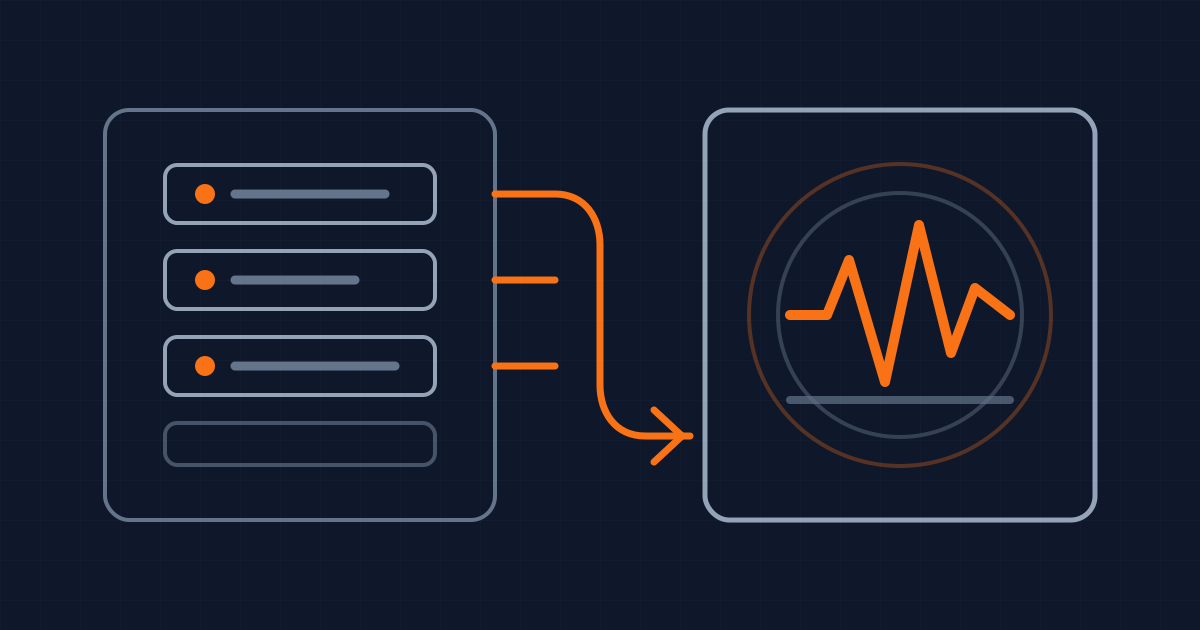
The visible update is only half the interface
A toast, result count or upload message can look correct and still be absent from the experience. The screen changed, but nothing told assistive technology that the change mattered.
As checked on 18 October 2026, WCAG 2.2 Success Criterion 4.1.3 requires status messages to be programmatically determinable without receiving focus. The guidance covers results, success, waiting states, progress and errors. It does not require a product to invent messages for every update. It requires messages that already exist to have semantics that assistive technology can present.
The tooling is also becoming less opaque. Google's October 2026 Chrome DevTools notes say Chrome 153 and 154 added a view for recording and debugging live announcements and ariaNotify calls. That turns part of the review from “we added aria-live” into “this is the sequence the browser exposed.”
That sequence is the real product. A useful contract defines which state change deserves a message, the words it should contain, whether it may interrupt, how repeated updates collapse, and what happens when the operation ends. The ARIA attribute comes after those decisions.
Classify the change before choosing a primitive
Start with the consequence, not the component. A saved preference, a changed search-result count and an upload reaching 60 percent are advisory updates. An expired session or a failed payment can require immediate attention. A confirmation dialog is different again because it moves focus and asks for a decision.
For ordinary advisory information, role="status" is usually the right starting point. The MDN status-role reference explains that it carries implicit aria-live="polite" and aria-atomic="true". The announcement waits for an idle moment and presents the status as a whole without moving focus.
Use role="alert" for a brief, important, time-sensitive message. The WAI-ARIA alert pattern says alerts should not move keyboard focus, and warns that frequent interruptions inhibit usability. If the message requires the person to choose, confirm or repair something before continuing, it may need an alert dialog or an error summary that receives focus instead of a more aggressive live region.
This distinction prevents a common repair that makes the interface worse: marking every toast as assertive. Assertive updates can interrupt the screen reader's current speech. A background save confirmation should not cut through the label of the field someone is editing.
Write the classification into acceptance criteria. “Saving shows a toast” describes pixels. “A successful save produces one polite status, leaves focus in the edited control and remains visible for five seconds” describes behavior that design, engineering and QA can review.
Define the sentence and the timing together
A message is useful only if it carries enough context on its own. “Done” makes the reader reconstruct the operation. “Profile changes saved” identifies both the action and result. “12 results loaded” is more useful than “Results updated.”
Model the sequence around user intent. A request can be idle, pending, successful, failed or cancelled. For each transition, decide whether the visible message changes, whether an announcement occurs, whether focus moves, and whether another transition can replace the pending message.
Rapid updates need a collapse rule. Search-as-you-type can produce several result counts before the user pauses. Announcing all of them creates a queue of stale facts. A polite live region can announce the settled result after a debounce, while the visible count may update immediately. Upload progress can announce meaningful thresholds rather than every percentage point. The visual refresh rate and announcement rate do not have to match.
Partial DOM changes also affect the sentence. The MDN live-region guide notes that aria-atomic="true" causes the whole region to be announced, while the default can expose only the changed fragment. If “17:33” becomes “17:34”, announcing only “34” loses the context. Atomic status content is useful when the changed value needs its label to make sense.
For an update assembled in several DOM operations, set aria-busy="true" while the region is incomplete and clear it when the final message is ready. That is not a loading spinner by itself. It is a signal that the current intermediate content should not yet be presented as the result.
Keep the announcement surface stable
Live regions work from changes. Creating a region and its final text in the same render can be missed by some browser and screen-reader combinations. MDN recommends establishing the region before updating its content and notes that behavior varies across combinations.
Put a stable announcement surface in the page shell or feature boundary, then update its text when the state transition occurs. Do not mount a fresh live region for every toast, and do not add the same message to several global announcers. Duplicate regions can turn one success into two or three spoken messages.
Keep interactive content outside the announcement string. Live regions are normally presented as plain text, so a link or button inside the updated region may not carry its full semantics in the spoken message. Announce the result, then leave the existing keyboard route to the action intact.
Also separate visibility from persistence. A toast can disappear after a timeout while a status remains available elsewhere in the page. The WAI-ARIA alert guidance warns against alerts that vanish too quickly. A person may need more time to locate or understand the visible content even if the spoken announcement happened immediately.
Test the sequence, not the attribute
Start with a small transition table: trigger, visible message, spoken message, priority, focus destination, replacement rule and persistent recovery location. Cover success, error, slow response, retry, cancellation and two requests finishing out of order.
Then inspect the assembled product. Trigger the flow with a keyboard and confirm focus does not jump for an advisory status. Record the announcements in current DevTools where available. Repeat with at least one screen reader and browser combination used by the product's audience, because a recorded accessibility event is evidence of browser exposure, not proof of the final spoken experience.
Test noise as deliberately as silence. Type quickly into filtered search. Submit twice. Let a retry succeed after the first request reports an error. Open a modal while a global toast arrives. Confirm the final announcement is current, singular and understandable without looking at the screen.
Automated tests can assert that the stable region exists, that a transition writes the expected sentence and that duplicate state updates do not enqueue duplicate messages. They cannot tell whether the priority is proportionate or whether the sentence interrupts something more important. Keep a short manual announcement trace in release evidence for high-impact flows.
What this does not change
A correct live-region contract does not make the surrounding workflow accessible. Controls still need names, keyboard behavior, useful focus order, visible feedback and recoverable errors. A status message cannot repair a focus trap or an action that exists only on hover.
It also does not mean every dynamic change should speak. WCAG explicitly warns that an application can become too chatty. Changes to an expanded control, selected tab or focused widget may already be exposed through that component's own name, role and value.
The narrower standard is more useful: when the product presents a status, its meaning is available without moving focus, its priority matches the consequence, rapid changes resolve to one current statement, and the team can reproduce the announcement sequence before release.
Written by Dandelion Labs