The release turns web knowledge into an input
On 10 November 2026, Chrome released Modern Web Guidance 1.0, a set of task-scoped guides that coding agents can retrieve while building web interfaces. The stable release carries more than 200 guides across HTML, CSS, accessibility, performance, security and Web APIs. Mozilla Firefox and Microsoft Edge representatives now participate in the project's governance alongside Chrome and independent web-platform experts.
The important change is not that an agent can read more documentation. It is that a team can install a named, updateable body of browser knowledge inside the same workflow that writes the code.
Frontier models contain a snapshot of common patterns. That snapshot may still prefer a fixed overlay with manual focus trapping, a JavaScript animation loop, or a custom form-validation state machine. The web platform changes faster than a model release cycle. A local guidance package can move some of that changing knowledge out of the model and into a dependency the team can inspect.
That creates a new engineering question: which version of the guidance produced this interface?
Retrieval is the mechanism
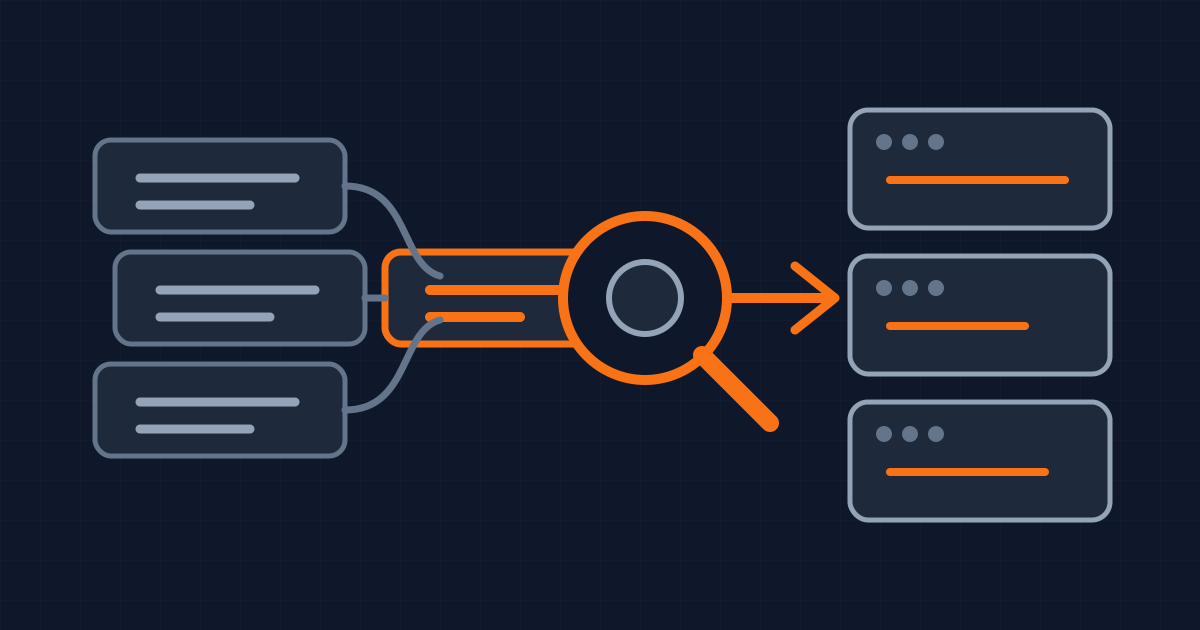
Loading every guide into every prompt would waste context. The project's technical deep dive says its source material contains about 1.7 MB of Markdown. At rest, the agent sees a skill description of roughly 205 tokens. When a frontend task matches, a local search returns a short list of relevant guides, then the agent retrieves the selected guide in full.
The current package is about 7 MB. Its query embedding runs locally, with no network request required for each search. The project reports that an earlier native prototype occupied 507 MB and a later JavaScript version occupied 23 MB. Those numbers explain a product decision rather than proving code quality: progressive retrieval makes a large rule set practical inside a coding loop.
Each guide contains implementation advice and expectations. A guide about a modal can steer the agent toward native <dialog>, focus restoration and inert behavior. A reduced-motion guide can cover scroll-driven animation and view transitions, not only old CSS keyframes. A form guide can connect visible errors, aria-invalid, persistent format hints and autofill state.
This is closer to a versioned review policy than a tutorial. The value appears when the right guide is retrieved before code is written, not when a developer reads the whole catalog after the pull request exists.
Browser support becomes part of the prompt
Modern Web Guidance connects its recommendations to Baseline, the cross-browser status model defined through the WebDX Community Group. Baseline distinguishes features that are newly available across the core browser set from features that have been interoperable for at least 30 months and are considered widely available.
That matters because "use the modern API" is incomplete advice. A product still has a browser-support policy. A newly available feature may need progressive enhancement. A limited feature may need an @supports check or a fallback. An older enterprise target may rule it out.
The project can use the application's browser targets to attach compatibility advice. That turns browser support from a memory test during review into an explicit input to generation.
A team should still own the target. Installing the skill without defining supported browsers only moves the ambiguity. Record the target next to the package version, and make fallback behavior part of acceptance criteria. The generated code should show what happens in a browser that does not have the preferred feature.
The benchmark is useful, and bounded
The project's public evaluation method gives an agent the same task twice: once without the guidance and once with it. Playwright opens both results in a real browser and checks rendered behavior, source and accessibility semantics. Infrastructure failures and their paired trials are excluded.
For the 1.0 baseline, the project reports a best-practice pass rate of 52 percent without the guidance and 91 percent with it. That is a large result inside the project's own task set. The tests include keyboard operation, focus and inert, reduced motion, contrast, ARIA state and form labels.
The dashboard also states the limit plainly. Its automated accessibility checks are not a full WCAG audit and do not replace manual or assistive-technology testing. The benchmark is maintained by the same project that ships the guidance. Its prompts and graders are open, which makes the claim inspectable, but it is not an independent measurement of every production codebase.
Do not convert 91 percent into "the interface is 91 percent correct." It means the guided runs passed that share of the project's automated checks. Your design system, framework conventions, supported browsers, data flows and failure states remain outside much of that measurement.
Treat guidance like a policy dependency
A controlled rollout starts on a branch. Install a specific release, commit the resulting configuration and lockfile, then review what changed when the guidance updates. An unversioned latest command is convenient for exploration, not enough evidence for a reproducible build.
Choose a small evaluation set from real product work. Include a modal, form validation, motion, a responsive component and one feature close to the edge of the browser-support policy. Run each task with and without the guidance. Review the diff, then exercise the result with keyboard navigation, reduced-motion settings and the oldest supported browser.
Add internal design-system rules beside the general web guidance. A browser expert can tell an agent how a dialog behaves, but not which company component, spacing token or error voice to use. Keep those local rules shorter and more specific than the platform material so retrieval does not return two competing contracts.
Measure false confidence as well as obvious failure. A guided result may look cleaner while still missing a business state, analytics event or recovery path. Code review should ask which guide was retrieved, what fallback was selected and which acceptance test proves the interaction.
The project governance reserves new guidance for approved subject-matter experts and assigns technical leads by domain. Chrome, Edge, Firefox and independent experts hold owner seats. That review structure is useful, but it does not remove the need to review the dependency inside your own release process.
What this does not change
Modern Web Guidance does not turn a coding agent into a product designer. It cannot decide whether a modal is the right interaction, whether the form asks for unnecessary data, or whether a workflow makes sense to the person using it.
It also does not prove accessibility. Automated checks can confirm roles, focus movement and keyboard behavior in specified cases. They cannot fully assess language, cognitive load, reading order across a complex flow, or how a real assistive-technology user experiences the product.
The package does not replace runtime verification. The release documentation recommends pairing guidance with browser tooling because correct-looking source can fail after framework rendering, CSS composition or application state changes.
The narrower conclusion is operational. Web-platform expertise can now enter agent work as a reviewed, searchable and versioned dependency. Teams gain leverage when they pin it, combine it with their own UI rules, test the generated behavior in supported browsers and preserve human review for the decisions the guidance cannot make.
Written by Dandelion Labs